Congrats on deciding to upgrade your subscription!
In order to so, you should first cancel your monthly subscription package from inside your account. Here's how:
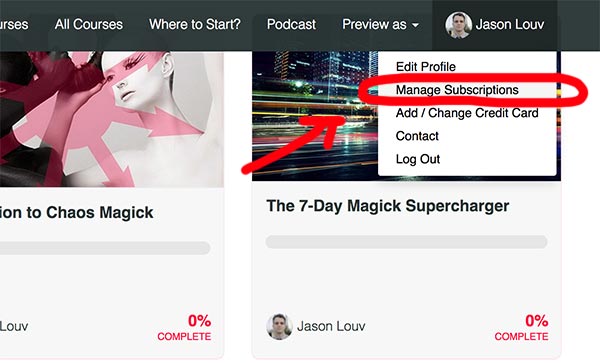
1. Click your user icon in the top right of the drop down menu, and then click "Manage Subscriptions"):
2. Next, cancel your current subscription:

3. Finally, re-purchase the Yearly subscription package from this link: Start Learning Magick.
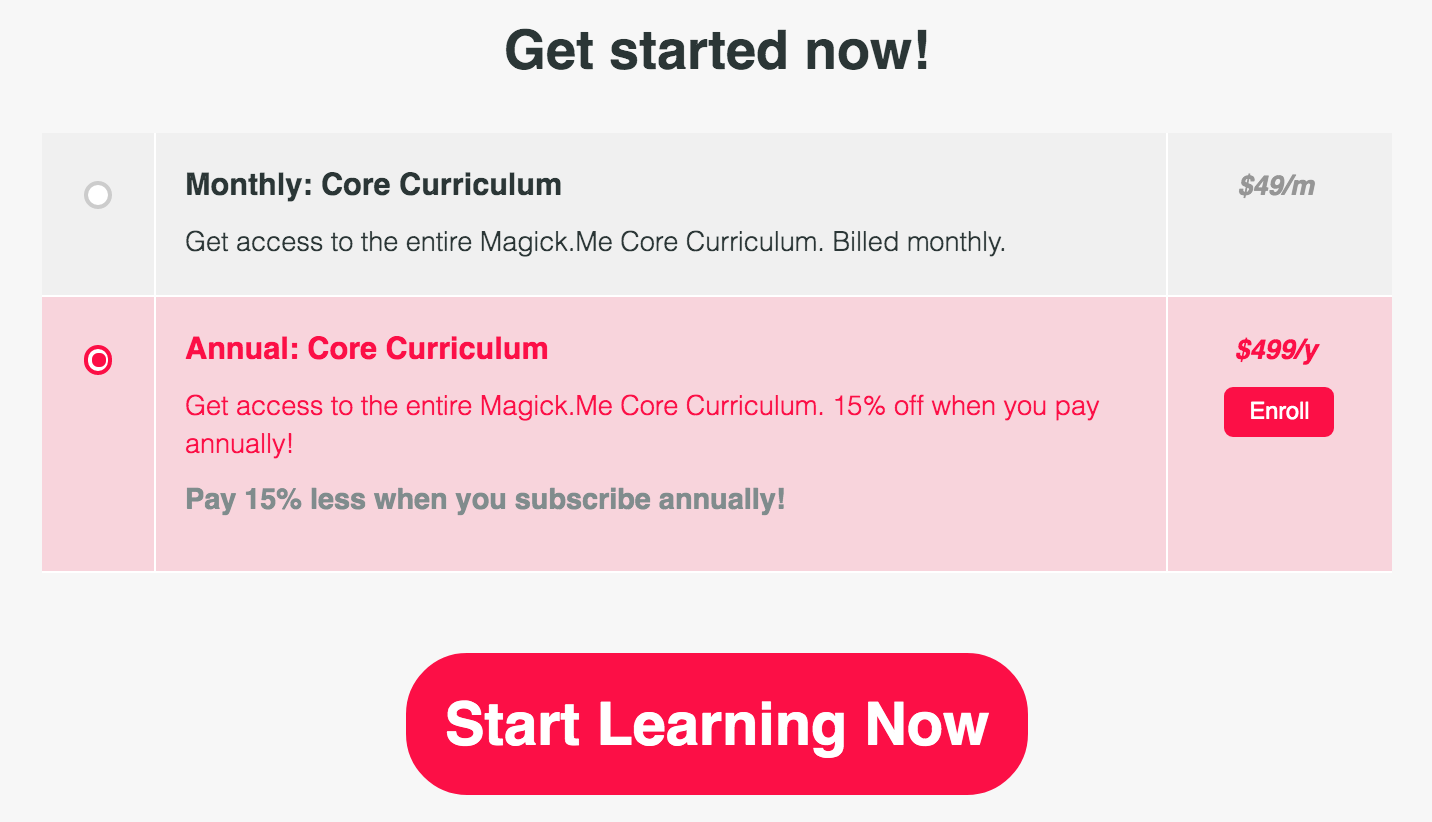
Make sure that you stay logged in to the same account you cancelled your original subscription from.
That's it. Enjoy your courses!
0 Comments